
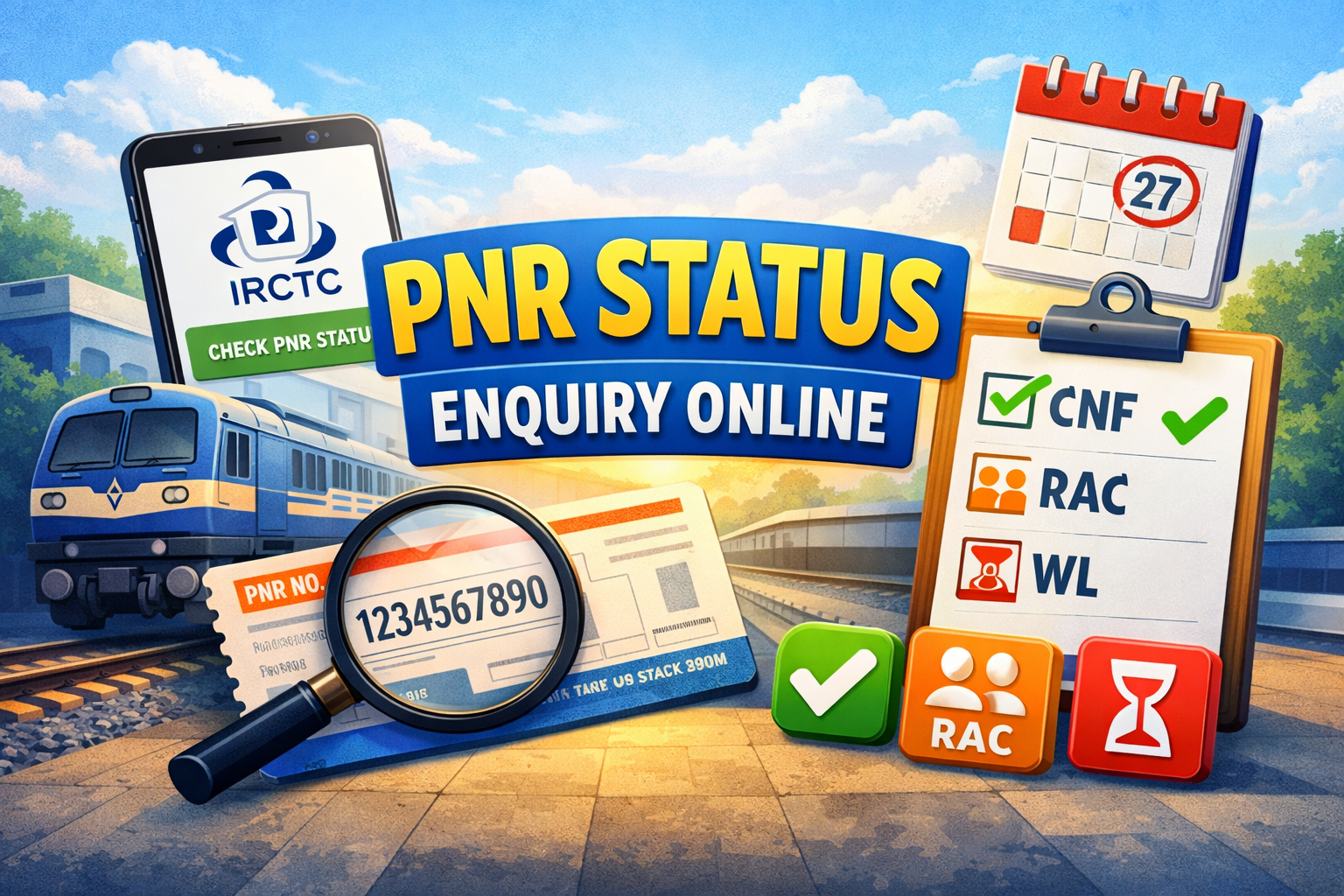
PNR Status Enquiry Online: PNR Status Guide
Check PNR status enquiry online with your 10-digit PNR number. Get fast live railway ticket updates, including CNF, RAC, WL, chart status, coach details, and berth information in one place.
PNR Status Guide
How to use this tool
- Enter your 10-digit PNR number.
- Click the check button.
- View your latest booking and passenger status.
- Review chart preparation, coach, and berth details when available.
PNR Status Enquiry Railway Ticket
Check Your PNR Status
Enter your 10-digit PNR number to see your current ticket status, including CNF, RAC, WL, and chart updates.
Fetching Live PNR Status
Please wait while we retrieve your booking information.
Fast Status Check
Get quick access to your current railway booking details in a simple format.
Clear Ticket Status
Understand whether your ticket is confirmed, RAC, or still on the waiting list.
Works on All Devices
Use this page on mobile, tablet, or desktop with a clean and responsive layout.
Check PNR status enquiry online instantly using your 10-digit PNR number. This tool helps you see whether your railway ticket is confirmed, in RAC, or still on the waiting list. You can also review chart status, coach details, and berth information when available.
PNR stands for Passenger Name Record. It is the 10-digit number linked to your railway reservation and is used to track your booking details.
How to Check PNR Status Online
- Find your 10-digit PNR number on your e-ticket or printed ticket.
- Enter the number in the tool above.
- Click the check button to fetch your latest booking details.
- Review your current ticket status, passenger status, and chart information.
- Check again closer to departure if your ticket is still RAC or WL.
What CNF, RAC, and WL Mean
Railway ticket status codes help you understand the exact position of your booking before travel.
CNF
CNF means confirmed. If your current status is CNF, your ticket is confirmed for travel. Coach and berth details may appear immediately or after chart preparation.
RAC
RAC means Reservation Against Cancellation. In many cases, RAC passengers are allowed to travel, while final berth allocation depends on availability and chart updates.
WL
WL means waiting list. If your ticket is still WL, it has not yet been fully confirmed. You should check again before departure to see whether it moves to RAC or CNF.
When to Check Your PNR Status
- After booking your ticket
- Before leaving for the station
- After chart preparation
- When your ticket is in RAC or WL
Checking your PNR status more than once can help you avoid confusion and plan your railway journey better.
How to find out the Status of a PNR without a Train Ticket
Using the 10-digit PNR number, you may check the status of your PNR without a physical ticket by SMS (send to 139), by calling 139, via the official website of Indian Railways, or via third-party applications like ConfirmTkt and MakeMyTrip. Using your name, train number, and ID, you may retrieve your PNR from a Railway Inquiry Counter if you lose your ticket.
Because the 10-digit PNR number is the only way to identify your ticket in the database, you cannot check the status of your PNR without it. If, on the other hand, you’ve misplaced the number, you may get it back by using the “Forgot PNR” feature of the IRCTC app, looking at the actual ticket, or checking your IRCTC confirmation email/SMS.
Ways to Verify the Status of a PNR Even if You Don’t Have a Train Ticket:
SMS/Email Check: Look for “IRCTC” or “ticket confirmation” in your messages or inbox to find the 10-digit number.
Physical Ticket: It is printed on the top left corner of the ticket that was purchased at a reservation counter.
IRCTC Website/App: Sign into your IRCTC account and review your booking history. SMS Service (139): To receive live status updates through SMS, send “PNR <10-digit number>” to 139. Call 139: Use your mobile phone to call the Indian Railways toll-free number 139 and follow the IVR prompts to check the status of your PNR.
Go to the Indian Railway Passenger Reservation Enquiry website and input the 10-digit PNR number as the official website.
Websites and Mobile Apps: Use sites like Indiaist, or RailYatri to monitor the status.
Last Chart: See the final reservation charts, which include passenger names and ticket numbers, at the station.
You may check the status of the PNR on the official IRCTC PNR Inquiry website or using applications like Indiaist or Paytm after you have retrieved it.</P
Why This Tool Is Useful
- Helps you know whether your ticket is confirmed
- Shows RAC and waiting list movement clearly
- Gives quick clarity before your journey
- Displays chart-related updates when available
- Makes travel planning easier for passengers
You can also explore more railway pages on Indiaist.com. For official railway information, you may also refer to Indian Railways
Related Articles
Indian Railway Time Table 2026
165 New Vande Bharat Express Trains in India
How to check the PNR status of a train
7 Powerful Ways to Check PNR Status Enquiry Online
You can check PNR status enquiry online through a fast web tool, mobile browser, official railway sources, SMS-based services where available, travel apps, ticket booking portals, and real-time railway information pages. The easiest method is using a clean page that shows CNF, RAC, WL, chart updates, coach details, and berth information clearly.
Frequently Asked Questions
What is a PNR number?
A PNR number is a 10-digit Passenger Name Record number used to identify and track your railway booking.
How can I check my train ticket status?
Enter your valid 10-digit PNR number in the tool above and view your latest booking details.
What do CNF, RAC, and WL mean?
CNF means confirmed, RAC means Reservation Against Cancellation, and WL means waiting list.
When should I check my PNR status?
You should check after booking, before departure, and again after chart preparation if needed.
Can I check PNR status with only the 10-digit number?
Yes. Your 10-digit PNR number is enough to check your latest railway booking status.